
Overview
You recorded a great moment, an interview, a talk, a highlight reel, but it’s in landscape… Now you need it vertical for Instagram Stories, square for a post, or cropped for TikTok. The old way means scrubbing through the video, manually adjusting the crop frame by frame, and hoping you didn’t cut anyone’s head off.
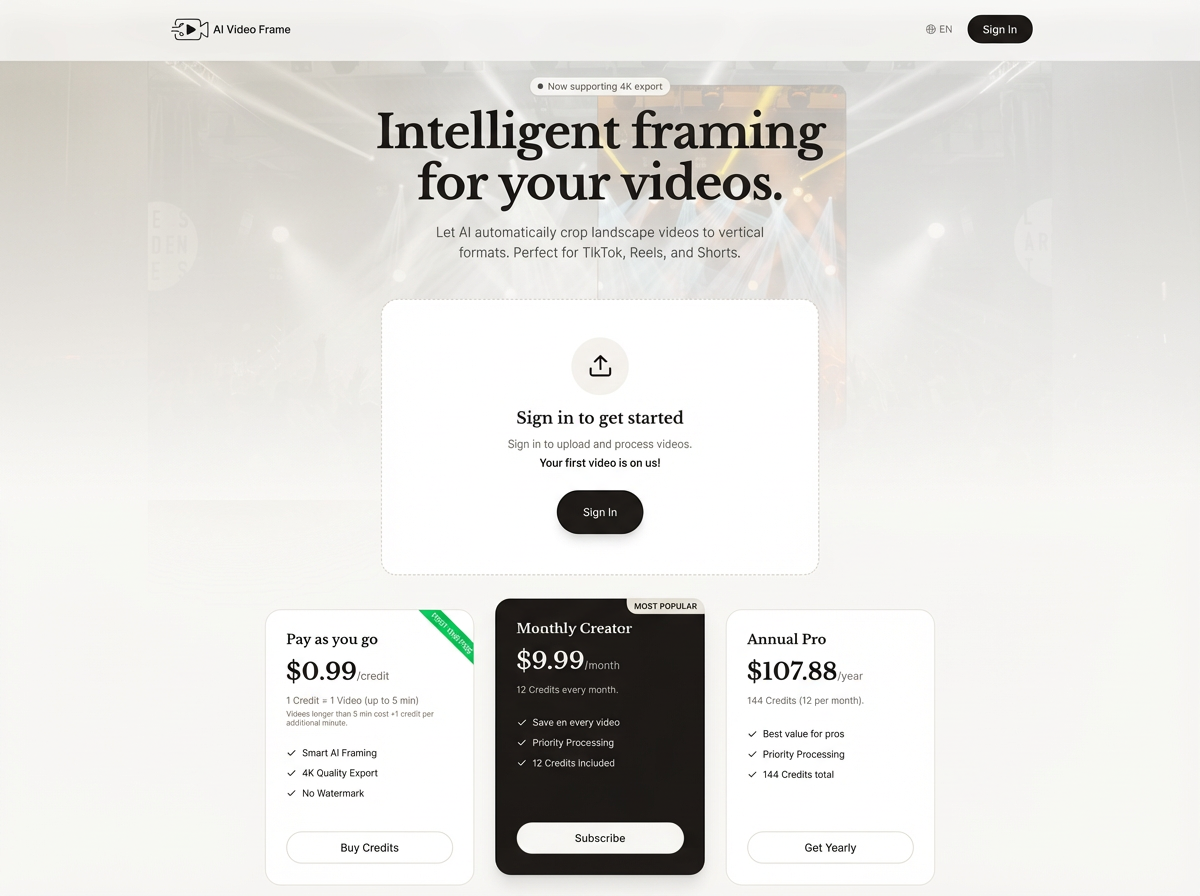
AI Video Frame handles it automatically. Upload your video, pick an aspect ratio, and the AI figures out where the subject is at every moment, keeping them centered and in frame throughout. You get a clean, properly framed video ready to post, without touching a single timeline.
Original (16:9)
Reframed (9:16)
Who is it for?
- Content creators who need to repurpose YouTube videos or recordings for Instagram, TikTok, or Reels without losing the subject
- Social media managers turning horizontal footage into vertical content at scale
- Podcasters and educators who record in landscape but need clips for vertical-first platforms
- Anyone sitting on great video that just doesn’t fit where they want to share it
- Developers who want to integrate smart video reframing directly into their own tools via the RapidAPI
Key Features
- Intelligent subject tracking — The AI follows whoever is in the frame throughout the whole video, not just a static center crop
- All the formats you need — Export as 9:16 (TikTok, Reels, Stories), 1:1 (Instagram feed), 4:5, 2:3, or keep it 16:9
- Auto subtitles — Add AI-generated, timed subtitles in 20+ languages with a single toggle, burned into the video or as a separate file
- Nothing to install — It runs in your browser. Upload, choose your format, download
- API access — Need to automate it? The full reframing pipeline is available as a public API on RapidAPI
Getting started
Head to the app, upload your video, and pick the aspect ratio you need. The AI takes it from there, tracking your subject, reframing the shot, and handing you back a download-ready file. Your first video is free.
Original (16:9)
Reframed (9:16)